
Desktop Software
Focused desktop applications that stay fast, work offline and connect to the equipment your team uses every day.
Keep selling, recording and reporting through power and network interruptions, then sync when you are back online.
Receipt printers, barcode scanners, cash drawers, label printers and other devices connect smoothly.
Instant screens and keyboard shortcuts for cashiers and clerks who enter data all day.
Large product lists, records and reports stay responsive instead of slowing down in a browser.
Keep sensitive records on your own computers with controlled access and local backups.
A dedicated program without browser tabs and distractions, designed for one job done well.
| Desktop application | Web-only system | |
|---|---|---|
| Internet needed | Optional, works offline | Required most of the time |
| Hardware access | Printers, scanners and more | Limited by the browser |
| Speed with large data | Excellent | Depends on connection |
| Access from anywhere | Only on installed computers | Any device with a browser |
| Updates | Installed or automatic updates | Instant for everyone |
You do not have to choose one. We can combine desktop, mobile and cloud around the same data.
Software is only useful when it is easy to install and keep running. We plan deployment, updates and data safety from the start.
A clean installer so your team can set up the program in minutes.
Options to activate the software and control who can use it.
Fixes and new features delivered without disrupting your work.
Scheduled backups and tools to bring in your existing records.
A look at desktop software from our portfolio.
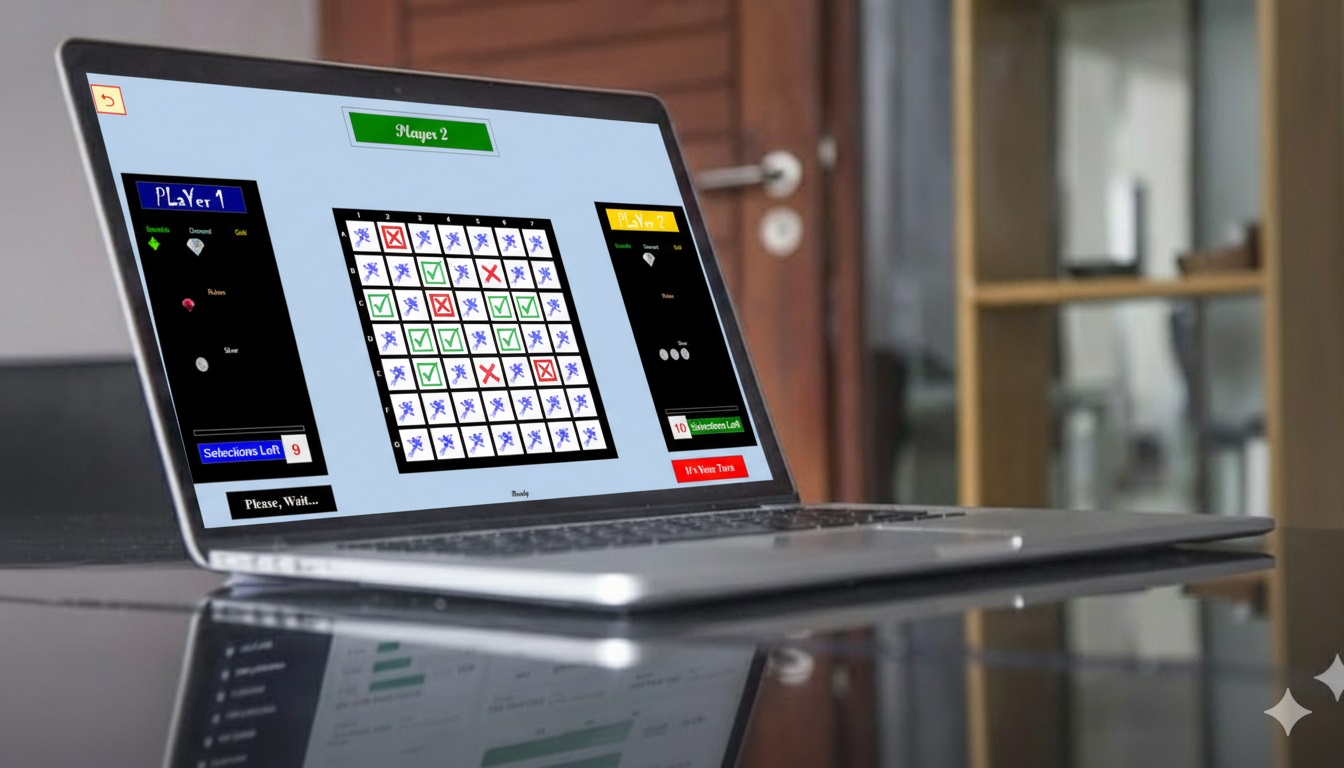
A two player desktop game for children. The desktop game enhances memory skills.
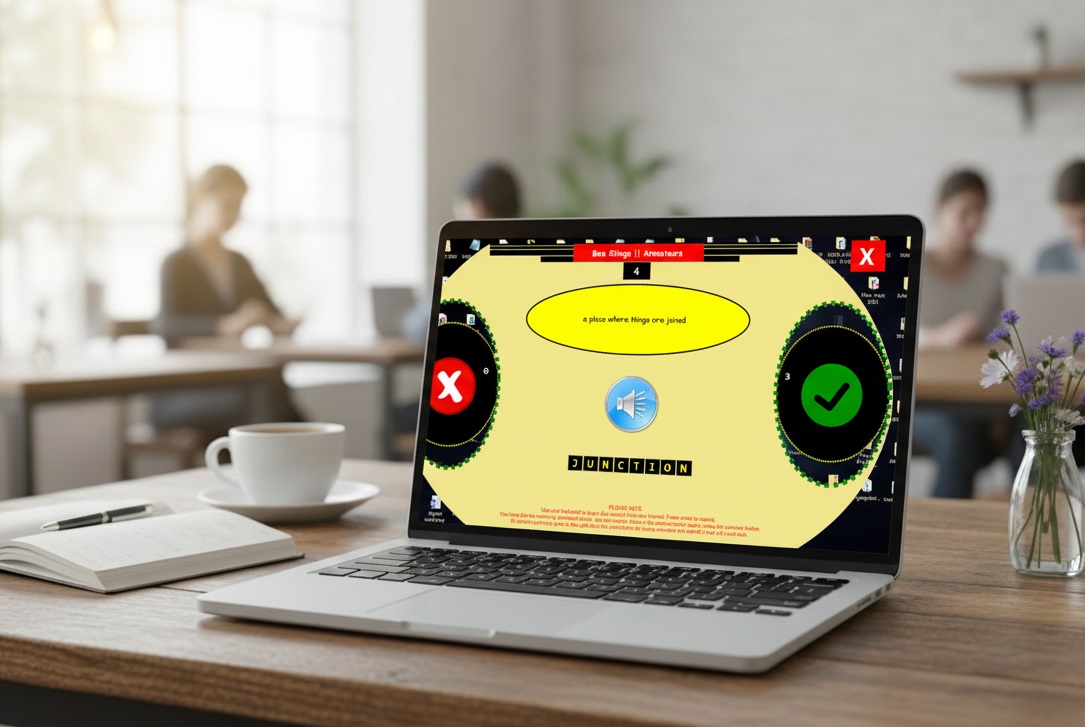
A desktop game for student to learn to spell words dictated by the computer.
Tell us what you are building and our team will help you choose the right digital solution for your goals.